Ошибки Ubuntu
| Could not get lock /var/lib/apt/lists/lock | |
| WARNING: UNPROTECTED PRIVATE KEY FILE | |
| port 22: Connection refused | |
| held by (unattended-upgr) | |
| Статьи про Ubuntu |
Could not get lock /var/lib/apt/lists/lock
Could not get lock /var/lib/apt/lists/lock. It is held by process 6710 (aptd)
Скорее всего вы пытаетесь выполнить apt-get update одновременно с обновлением софта. Поэтому демон aptd не даёт вам доступ.
WARNING: UNPROTECTED PRIVATE KEY FILE
В логе доступа по SSH можно получить следующую ошибку:
Sep 18 15:14:53 960d1011fc2d sshd[374]: error: @@@@@@@@@@@@@@@@@@@@@@@@@@@@@@@@@@@@@@@@@@@@@@@@@@@@@@@@@@@ Sep 18 15:14:53 960d1011fc2d sshd[374]: error: @ WARNING: UNPROTECTED PRIVATE KEY FILE! @ Sep 18 15:14:53 960d1011fc2d sshd[374]: error: @@@@@@@@@@@@@@@@@@@@@@@@@@@@@@@@@@@@@@@@@@@@@@@@@@@@@@@@@@@ Sep 18 15:14:53 960d1011fc2d sshd[374]: error: Permissions 0664 for '/etc/ssh/ssh_host_ed25519_key' are too open. Sep 18 15:14:53 960d1011fc2d sshd[374]: error: It is required that your private key files are NOT accessible by others. Sep 18 15:14:53 960d1011fc2d sshd[374]: error: This private key will be ignored. Sep 18 15:14:53 960d1011fc2d sshd[374]: error: key_load_private: bad permissions Sep 18 15:14:53 960d1011fc2d sshd[374]: error: Could not load host key: /etc/ssh/ssh_host_ed25519_key Sep 18 15:14:53 960d1011fc2d sshd[374]: fatal: No supported key exchange algorithms [preauth]
Сообщение вполне подробное, очевидным решением является смена прав доступа к ключу на более жёсткие
chmod 600 /ect/ssh/ssh_host_ed25519_key
Принудительно закрыть Chrome
sudo pkill -9 chrome
port 22: Connection refused
ssh: connect to host 192.168.56.146 port 22: Connection refused
Возможно не установлен ssh сервер. Инструкция по установке здесь
held by (unattended-upgr)
ssh: connect to host 192.168.56.146 port 22: Connection refused
Stop the automatic updater:
sudo dpkg-reconfigure -plow unattended-upgrades
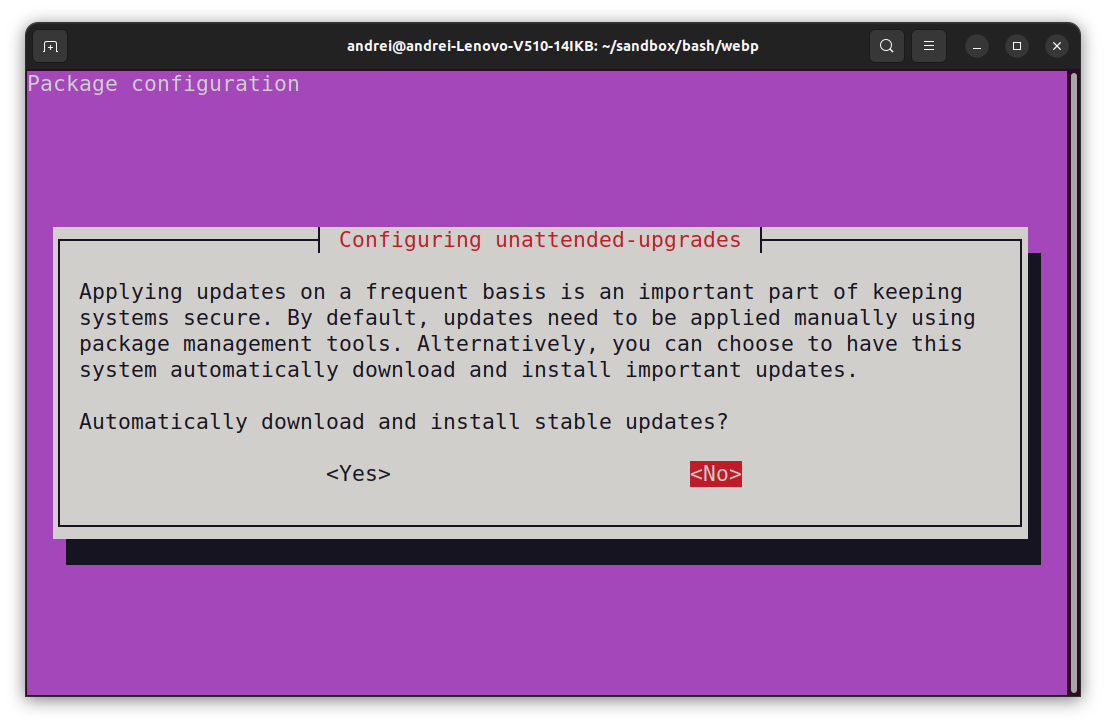
At the first prompt, choose not to download and install updates.
Make a reboot.
Make sure any packages in an unclean state are installed correctly:
sudo dpkg --configure -a
Get your system up-to-date:
sudo apt update && sudo apt -f install && sudo apt full-upgrade
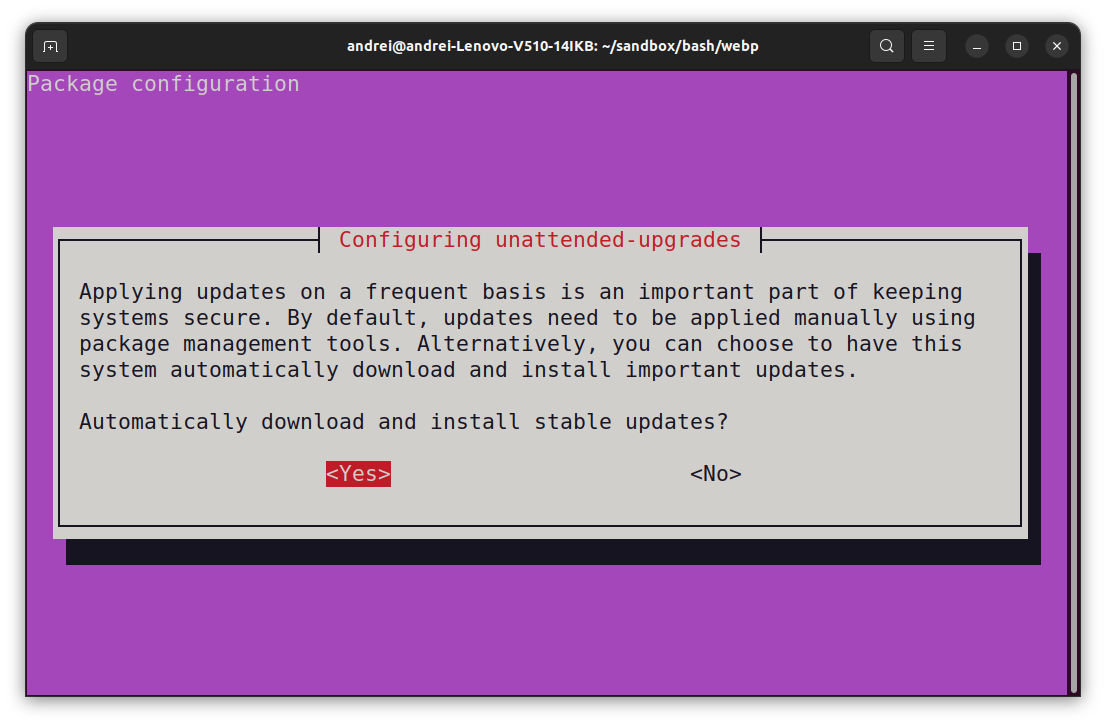
Turn the automatic updater back on, now that the blockage is cleared:
sudo dpkg-reconfigure -plow unattended-upgrades
| Ошибки Ubuntu | |
| Ubuntu | |
| FAQ | |
| REISUB Зависла Ubuntu |